 InviteQuick
 1
1
Create an invitation in a minute
Snap a photo of any flyer or paste a message. AI reads it and fills in the title, date, place and details for you.
Design an animated invitation in about a minute, send one link to everyone, and watch the RSVPs come in live.
Guests open invitations in any browser. No app needed to RSVP.
Everything you need to host, in one simple app.
1
Snap a photo of any flyer or paste a message. AI reads it and fills in the title, date, place and details for you.
 2
2
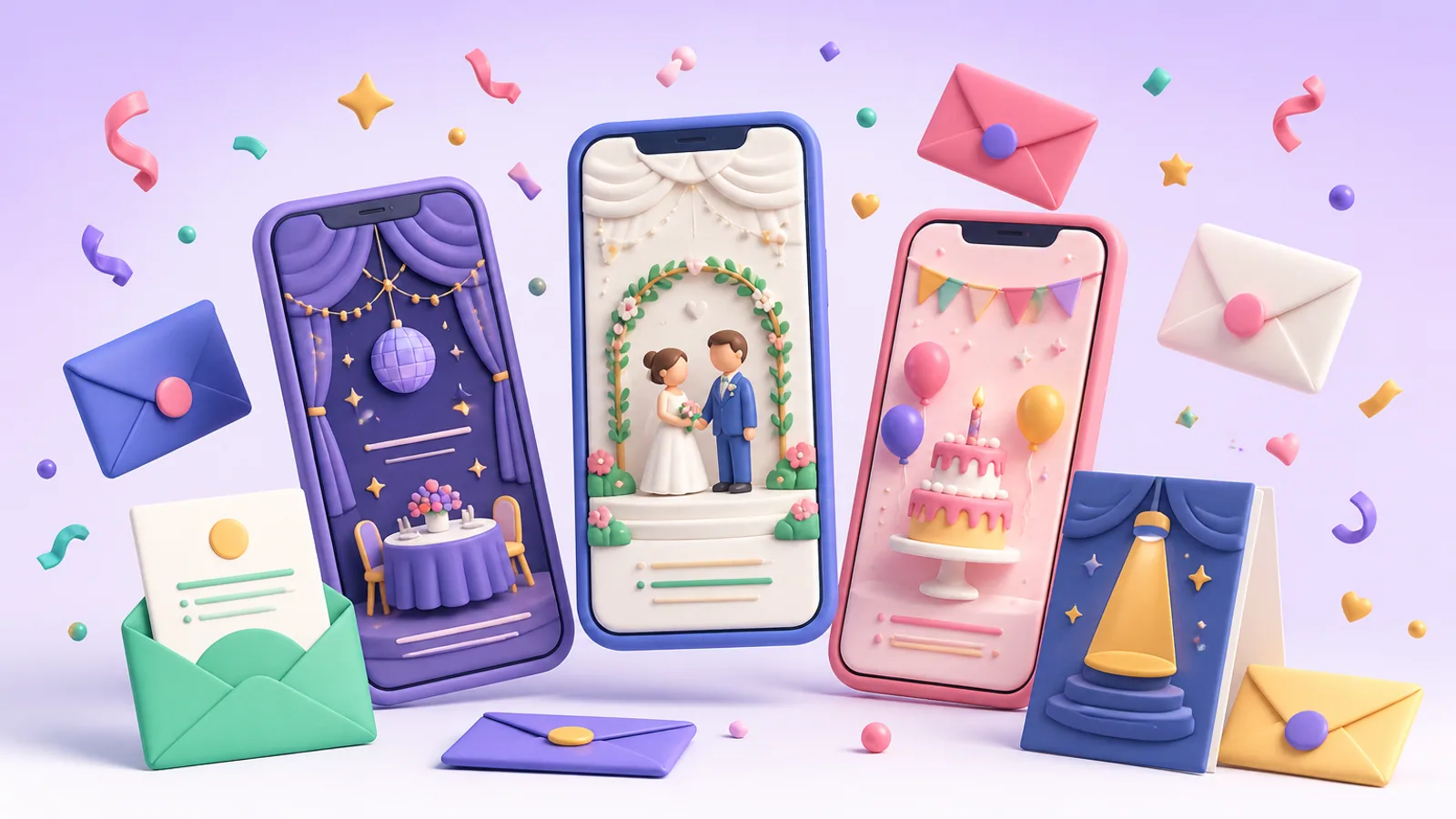
100+ designs for weddings, birthdays, galas and more, with petals, confetti, snow and looping video backgrounds.
 3
3
Get a warm invitation text in your language in seconds, or generate a one-of-a-kind background image.
 4
4
Send your link on WhatsApp, by email or SMS, print a QR code, or import your guest list from Excel or CSV.
 5
5
See who's coming the moment they answer and how many they bring. Remind everyone who hasn't replied with one tap.
 6
6
Guests leave their wishes right on the invitation page, and you can share photos from the day on a photo wall.
Every theme is a full-screen illustration made for phones. Featured themes add a looping video, and all of them can carry animated effects.
Set a deadline and the RSVP form closes on its own. Guests see the time in their own calendar.
Guests say how many they're bringing, so your headcount is always right.
A notification for every reply, plus friendly reminders before the big day.
English, Español, Português, Français, Türkçe, Bahasa Indonesia, Русский, العربية, हिन्दी, 日本語 and 한국어.
Download a print-ready card in your theme, with a QR code guests can scan to reply.
Use your photo, pick from 12 fonts, add an animated effect and make it truly yours.
Yes. The free plan lets you create events, use dozens of themes and collect RSVPs. Paid plans add more events and guests, every premium theme, the custom theme builder, PDF downloads and more AI.
No. Guests open your invitation link in any browser, see the full animated invitation and reply in a few taps.
Share the link on WhatsApp or any messenger, send it by email or SMS straight from the app, or print the QR code. You can also import your guest list from Excel or CSV.
Yes. Edit the details or the design whenever you like. Guests always see the latest version on the same link.
From Profile in the app, or follow the steps on our account deletion page.
Create a free account and have your invitation ready in about a minute.